What file types are supported? STL files, both binary and ASCII, for input — and binary STL for the split output pieces, the standard format every slicer accepts.
Does PrintSlice work with any 3D printer? Yes — the exported pieces are standard STL files, compatible with any slicer or printer you already use.
Do I need to install anything? No. Splitting, connector generation, and the 3D preview all run in your browser — nothing to install, and your model never leaves your computer.
How does pricing work? One plan at £3.99/month, cancel anytime — no tiers or feature gating. See the full FAQ for billing details.
Will the pieces fit together? Yes. Each tab and its socket come from one shared shape, cut with real solid geometry and 0.2 mm of clearance, so they fit without sanding.
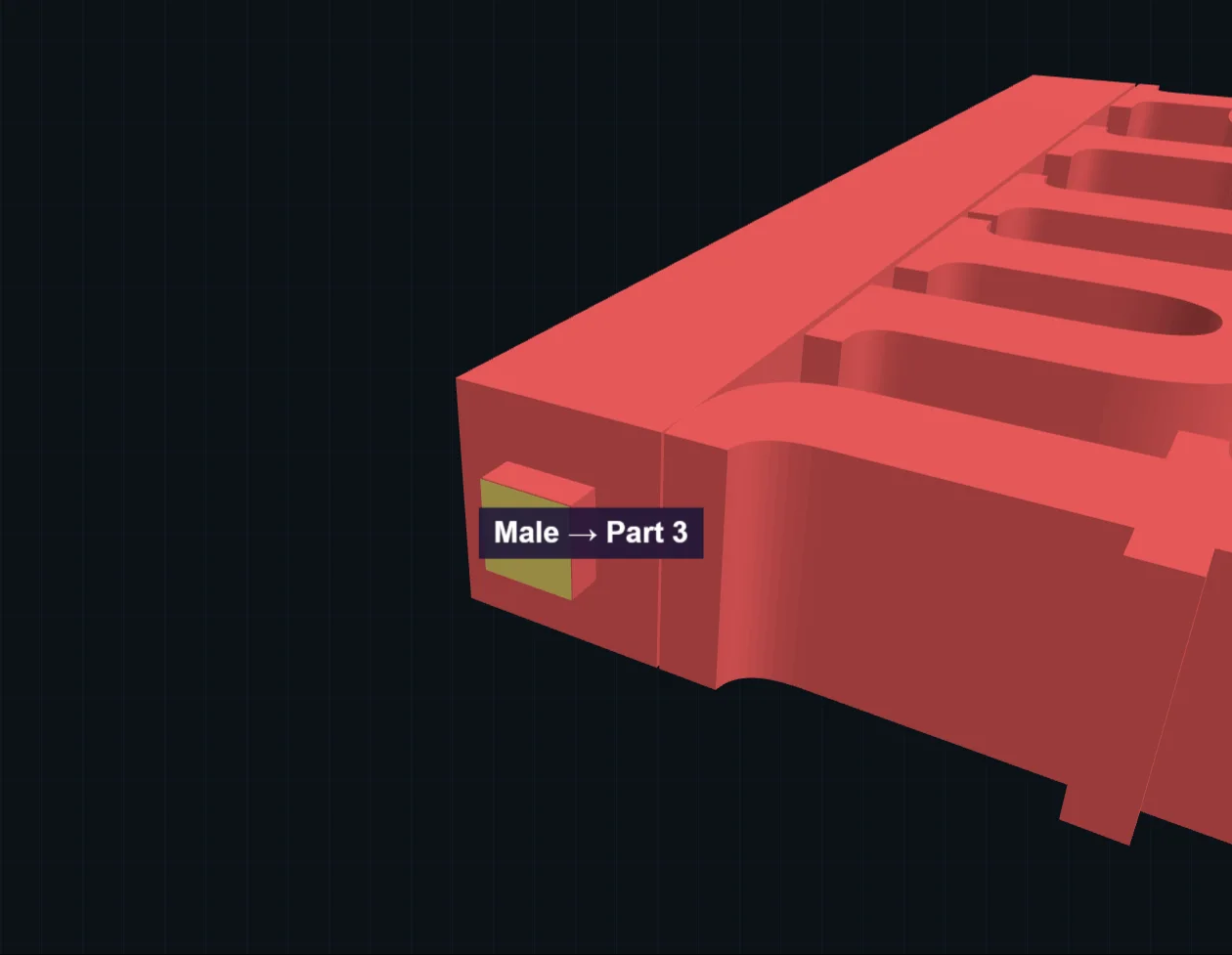
Which connectors are there? A rectangular key, a round pin and socket, and a locking dovetail that resists pulling apart. You can mix them on one model.
Can I change a connector? Yes. Click a placed connector to change its type, size, depth and clearance, or set the defaults before you place the next one.
Why was a connector refused? PrintSlice checks it can be printed first. It refuses one that’s too big for the part, deep enough to poke through, or on a wall too thin to hold it. Try a flatter spot nearby, or a smaller connector.
Why is placing a connector slow? Usually the model is very detailed. Above 50,000 triangles PrintSlice offers to simplify it, and you can preview the result before you use it.
Anything special when printing? No special settings. Printing the faces with connectors flat on the bed gives the cleanest fit.
Is there a free trial? Yes. Split and preview with no account, and download your first model free with a free account. Pro then starts with 7 days free, and £3.99 a month after that.
How do I cancel? Log in and press Manage billing in the app. Stripe’s billing page opens, where you can cancel or change your card.